Automated Virtual Try-On: Go Live Without Tagging Products
Admin User
Sep 06, 2026
Discover how modern VTO widgets use AI to automatically detect product pages, letting you go live instantly without tedious SKU tagging. Save time and cover your entire catalog.
How can I add virtual try-on to my store without manually enabling every product?
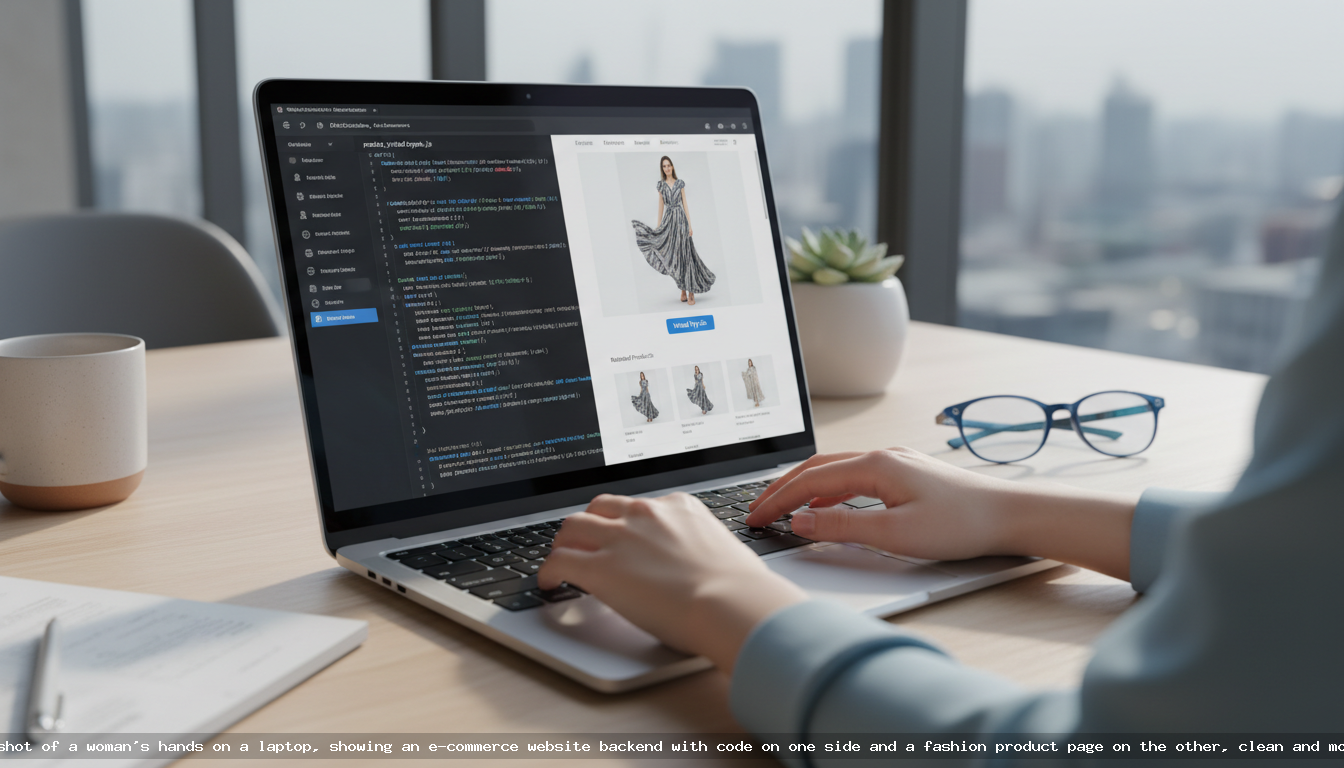
You can add virtual try-on (VTO) without manual product tagging by using a smart widget that leverages AI for automatic product detection. Solutions like VDressUp require you to add just one JavaScript snippet to your site. The AI then automatically identifies your product pages for clothing, jewelry, or furniture and displays the try-on button. This eliminates the tedious, time-consuming process of manually enabling SKUs, allowing you to deploy a powerful VTO experience across your entire catalog in minutes.
The Old Way: The Headache of Manual Product Tagging
For many online merchants, the promise of innovative technology is often soured by the reality of a complicated implementation. Virtual try-on has historically been one of those technologies. The initial excitement of offering customers a way to visualize products on themselves quickly fades when you're faced with a mountain of configuration tasks.
Traditionally, integrating a VTO tool involved a multi-step, manual process:
- Product Feed Management: You might need to generate and upload a product feed (like a CSV or XML file) containing all the SKUs you want to enable for virtual try-on.
- Manual Tagging: In many systems, you have to go into a dashboard and individually check boxes next to hundreds or thousands of products to activate the feature.
- Synchronization Issues: Every time you add new products, update inventory, or remove old ones, you have to repeat the process. This leads to sync errors, where the VTO tool is out of step with your live catalog.
- High Maintenance Overhead: The ongoing effort required to maintain the product list is a significant drain on resources. It becomes a recurring task that pulls you away from marketing, customer service, and growing your business.
This friction-filled setup discourages merchants, especially those with large, dynamic catalogs. The operational cost of simply managing the tool can outweigh its benefits, leaving a powerful conversion-booster on the back burner.
Introducing Smart Detection: How VDressUp Works
What if you could have all the benefits of virtual try-on with none of the setup headaches? That’s the principle behind VDressUp’s automated approach. We believe your time is better spent on your business, not on configuring software. Our widget was designed to be intelligent from the ground up.
Here’s how it works: once you add the VDressUp JavaScript snippet to your website, our AI gets to work. When a shopper visits a page, the script analyzes the page's content in real-time. It looks at elements like the product title, description, imagery, and HTML structure to determine if it’s a product detail page for a compatible item—such as a dress, a necklace, or a chair. If it detects a match, the virtual try-on button automatically appears. If it's a blog post or your homepage, it stays hidden.
This smart detection happens instantly, without any input needed from you. There are no product feeds to upload, no SKUs to tag, and no dashboards to manage. It just works.
The Benefits of an Automated Approach
- Instant Go-Live: You can activate virtual try-on across your entire store in the time it takes to copy and paste a single line of code. Your whole relevant catalog becomes VTO-ready at once.
- Zero Maintenance: Launching a new collection? Adding a new jewelry line? The VDressUp widget will automatically detect these new product pages without you lifting a finger. Your VTO experience scales effortlessly with your inventory.
- Complete Coverage: Manual tagging inevitably leads to missed opportunities. With automatic detection, you ensure that every eligible product gives shoppers a chance to engage, connect, and convert.
- Unmatched Scalability: Whether you have 50 products or 50,000, the implementation effort is exactly the same. This makes VDressUp an ideal solution for businesses of all sizes, from boutique brands to large-scale retailers.
Simple Integration for Any E-commerce Platform
Getting started with VDressUp is refreshingly simple and developer-friendly. We’ve streamlined the process to ensure you can go live in under five minutes, regardless of your e-commerce platform.
For Shopify Stores
Adding VDressUp to Shopify is a straightforward copy-and-paste job. It’s important to note that there is no Shopify App to install from the App Store. This direct approach is faster, avoids potential app conflicts, and gives you more control.
- Sign up for an account at https://vdressup.com/register.
- Navigate to your dashboard and create a new API key for your store.
- From your Shopify Admin, go to Online Store > Themes. Find your current theme, click Actions > Edit code.
- Open the theme.liquid file.
- Paste the VDressUp script tag right before the closing </head> tag:
<script src="https://vdressup.com/js/shopify-ai-widget.js" data-api-key="YOUR_API_KEY"></script> - Replace "YOUR_API_KEY" with the key from your dashboard and save. That's it.
For Custom Stores and Other Platforms
The beauty of a JavaScript-based widget is its universal compatibility. VDressUp works perfectly with any custom-built site or e-commerce platform that allows you to edit your site’s HTML, including BigCommerce, WooCommerce, and Magento.
The process is identical: sign up, generate your API key, and place the same script tag in the global header of your website. For more detailed guidance or advanced configurations, please refer to our developer documentation.
What Happens After Detection? The Shopper Experience
Once the widget is active, it provides a seamless and intuitive experience for your customers. On a detected product page, a "Virtual Try-On" button will appear. When a shopper clicks it, they are prompted to upload a photo of themselves. Our AI then intelligently places the product onto their photo, giving them a realistic preview of how it would look.
This powerful visualization tool helps bridge the imagination gap that is the biggest hurdle in online shopping. It gives customers the confidence to purchase, knowing they’ve seen how the item fits their unique style and body. Our advanced AI supports a growing range of products, from apparel and jewelry to furniture, making it a versatile tool for various e-commerce niches. Explore all the possibilities on our features page.
A Pricing Model That Scales With You
We believe in transparent, value-based pricing. Complicated subscription tiers and high monthly fees create a barrier to entry and penalize stores during slower seasons. VDressUp operates on a simple pay-as-you-go credit system.
You purchase credit packages starting from just $25. One credit is used for each successful virtual try-on generated by a shopper. This means you only pay for actual engagement. Best of all, credits never expire. This flexible model ensures that your investment directly correlates with customer usage and provides a clear, predictable ROI. Learn more about our straightforward pricing structure.
Conclusion: Focus on Your Business, Not on Configuration
The future of e-commerce is about creating more personal, confident, and engaging shopping experiences. Virtual try-on is a cornerstone of that future. With VDressUp's automated product detection, you can deploy this game-changing technology without the traditional technical overhead. Stop wasting time on manual SKU lists and complex configurations. Instead, add a single line of code and let our AI handle the rest, so you can focus on what truly matters: delighting your customers and growing your brand.
Frequently asked questions
Do I need to manually select which products get a virtual try-on button?
No, the VDressUp widget uses AI to automatically detect relevant product pages like clothing, jewelry, and furniture. It works out-of-the-box without any manual product tagging or SKU management, saving you significant setup time and ensuring full coverage.
How do I install VDressUp on my Shopify store?
Installation is simple and doesn't use the Shopify App Store. You sign up on the VDressUp website to get an API key, then copy and paste a single JavaScript snippet into your theme's code. The widget will then appear automatically on your product pages.
What if I add new products to my store?
New products are automatically covered. Because the system detects product pages in real-time, any new apparel, jewelry, or furniture items you add will automatically have the virtual try-on feature available to shoppers. No additional configuration is needed from you.
Is this compatible with stores not on Shopify?
Yes, VDressUp works with any e-commerce platform or custom-built website where you can add a JavaScript tag to your site's HTML. This includes platforms like BigCommerce, WooCommerce, Magento, and custom solutions. The integration process is the same.
How does the pricing work? Is it a monthly fee?
VDressUp uses a flexible pay-as-you-go model, not a monthly subscription. You purchase credit packages, and one credit is used each time a shopper performs a virtual try-on. Credits never expire, so you only pay for actual usage.