How to Add a Virtual Try-On Widget to Shopify (No App Needed)
Admin User
Sep 03, 2026
Learn the simple, 3-step process to add a virtual try-on widget to your Shopify store using a single script tag. No app store installation required.
How to Add a Virtual Try-On Widget to Your Shopify Store
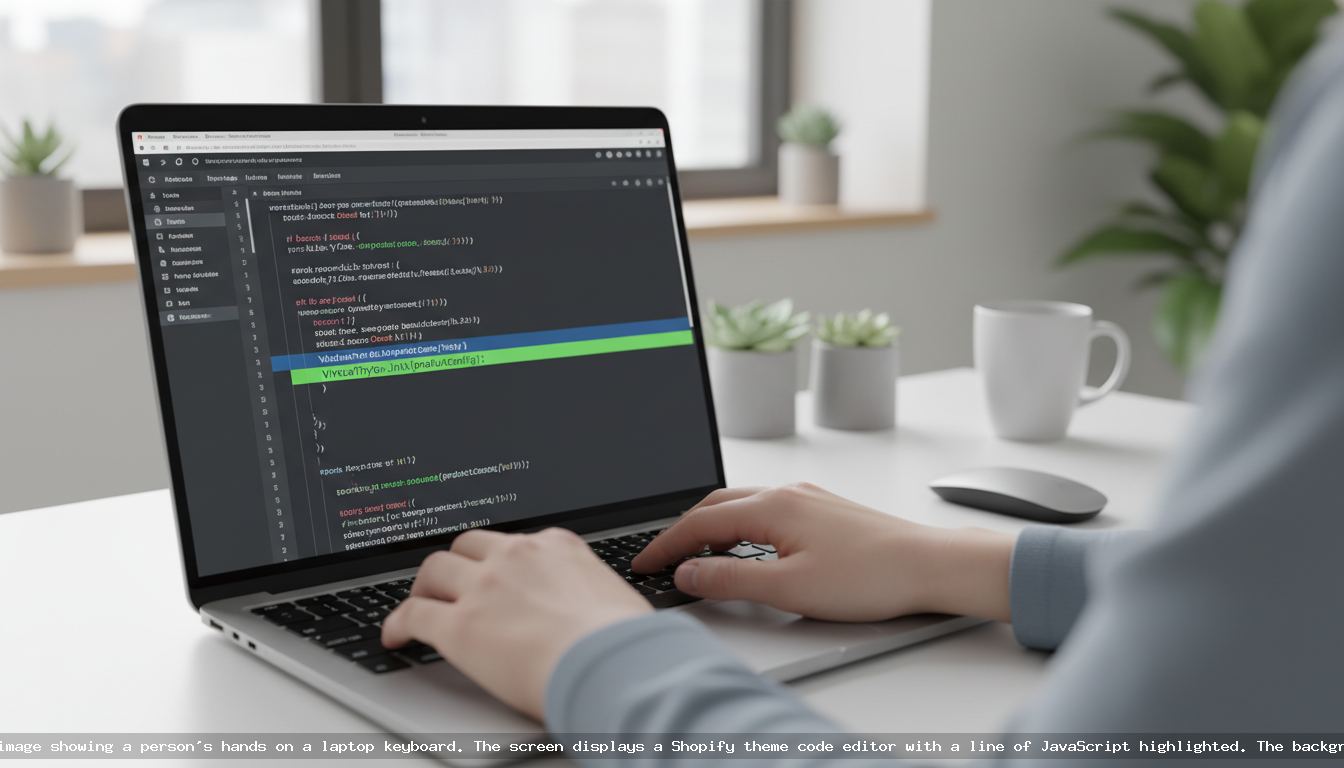
Adding a virtual try-on (VTO) feature to your Shopify store is one of the most effective ways to increase conversions and reduce returns. With VDressUp, you can install a powerful AI try-on widget in minutes by adding a single line of code to your theme. There is no complex app to install from the Shopify App Store. You simply create an account, get your unique API key, and paste the JavaScript snippet into your store’s theme. It’s a fast, lightweight solution for any merchant.
Why a Widget is a Smarter Choice for Shopify Stores
While the Shopify App Store is vast, a direct widget integration offers distinct advantages for performance-minded merchants and developers. A traditional app can sometimes add bloat or create conflicts, whereas a lightweight JavaScript widget provides power and flexibility without the overhead.
Here’s why the VDressUp widget approach is superior:
- Speed of Installation: You can go live in under five minutes. There's no OAuth process, no waiting for app permissions, and no complex configuration screens. You control the integration directly.
- Universal Theme Compatibility: Our widget is designed to work with any Shopify theme, from standard free themes to highly customized or headless builds. You don't have to worry if your specific theme is supported by a rigid app structure.
- Lightweight and Fast: The script is optimized for performance, ensuring it doesn’t slow down your page load times. A fast store is crucial for SEO and user experience, and our widget is built to preserve that speed.
- Always Up-to-Date: Because you are loading the script directly from our servers, you always have access to the latest features, improvements, and bug fixes without ever needing to manually update an app.
Step-by-Step Guide: Installing the VDressUp Widget
Getting VDressUp running on your Shopify store is a straightforward, three-step process. You don’t need to be a senior developer to do it. Just follow along.
Step 1: Create Your VDressUp Account
First, you need an account to manage your settings and get your API key. Registration is free and simple.
- Navigate to the VDressUp registration page at https://vdressup.com/register.
- Fill out the required information to create your account.
- Once registered, you will have access to your personal dashboard.
Step 2: Generate Your API Key
Your API key is a unique identifier that links your Shopify store to your VDressUp account. It ensures that try-on usage is correctly tracked and billed to your credit balance.
- Log in to your VDressUp dashboard.
- Find the “API Keys” or “Settings” section.
- Click the button to generate a new API key.
- Copy this key to your clipboard. Keep it safe, as you’ll need it in the next step.
Step 3: Add the Script to Your Shopify Theme
This is the final step where you add the widget’s code to your store. It involves editing your theme’s code but only requires pasting one line.
- From your Shopify Admin, go to Online Store > Themes.
- Find the theme you want to edit, click the “...” button (Actions), and select “Edit code” from the dropdown menu.
- In the file explorer on the left, open the Layout folder and click on the
theme.liquidfile. - Scroll to the very bottom of the file. Just before the closing
</body>tag, paste the following script tag. - Replace
YOUR_API_KEYwith the actual API key you copied from your VDressUp dashboard.
<script src="https://vdressup.com/js/shopify-ai-widget.js" data-api-key="YOUR_API_KEY"></script>
- Click the “Save” button in the top right corner.
That's it! The VDressUp widget is now installed. Navigate to any product page on your store (for clothing, jewelry, etc.), and you should see the “Virtual Try-On” button appear automatically.
How VDressUp's Automatic Product Detection Works
One of the most powerful aspects of the VDressUp widget is its intelligence. Unlike other solutions that require you to log into a backend and manually select which SKUs should have virtual try-on enabled, our widget does the work for you. The script automatically analyzes the content of your product pages. When it detects a relevant item—like a dress, necklace, or even a piece of furniture—it automatically displays the try-on button for your shoppers. This “set it and forget it” functionality saves you countless hours of administrative work and ensures your new products are VTO-ready the moment they go live. You can learn more about our AI-driven capabilities on our features page.
Transparent Pricing That Scales with You
We believe in a pricing model that is fair, transparent, and directly tied to value. VDressUp does not use monthly subscriptions. Instead, we offer a pay-as-you-go system with credit packages.
- Purchase credit packages starting from just $25.
- One credit is consumed for each unique virtual try-on session initiated by a shopper.
- Your credits never expire. Buy them once and use them whenever you need them.
This model gives you complete control over your costs and ensures you only pay for the value your customers are actually receiving. It’s an ideal solution for businesses of all sizes, from new boutiques to established brands. For a full breakdown, visit our pricing page.
Developer-Friendly and Well-Documented
While the standard installation is incredibly simple, we know that some stores have unique needs. The VDressUp widget is built with developers in mind, offering customization options and a clear path for integration into any e-commerce stack, not just Shopify. For advanced use cases, custom event handling, or troubleshooting, please refer to our comprehensive developer documentation.
Frequently asked questions
Do I need to find VDressUp in the Shopify App Store?
No. VDressUp is a JavaScript widget, not a Shopify App. You do not need to search the App Store. Installation is done by adding a single script tag to your theme's code, which is a faster and more flexible method that works with any theme.
How much does VDressUp cost per month?
VDressUp has no monthly subscription fees. We use a pay-as-you-go model with credit packages starting at $25. One credit is used per try-on, and credits never expire. This allows you to pay only for what you use without any recurring monthly charges.
Do I have to manually enable products for virtual try-on?
No, you do not. Our AI-powered widget automatically detects relevant product pages on your site, such as clothing, jewelry, or furniture. The try-on button will appear automatically without you needing to manually enable specific SKUs in a dashboard, saving you significant setup time.
What happens when I run out of credits?
When your credit balance is depleted, the virtual try-on button will no longer appear on your store until you purchase a new credit package. Your account and settings remain active. You can easily buy more credits from your VDressUp dashboard at any time.
Does the widget only work for clothes?
No. While fashion is a primary use case, the VDressUp widget is designed to automatically detect and work with a variety of product categories. This includes clothing, jewelry, and even furniture, making it a versatile visualization tool for many types of e-commerce stores.