How to Add AI Virtual Try-On to Your E-commerce Store
Admin User
Aug 31, 2026
Ready to cut returns and boost conversions? This guide shows you how to easily add a powerful AI virtual try-on widget to your Shopify or custom e-commerce store in three simple steps. No app store install required—just sign up, get your API key, and add a single script tag to go live. Empower your customers to visualize products on themselves, increasing confidence and sales.
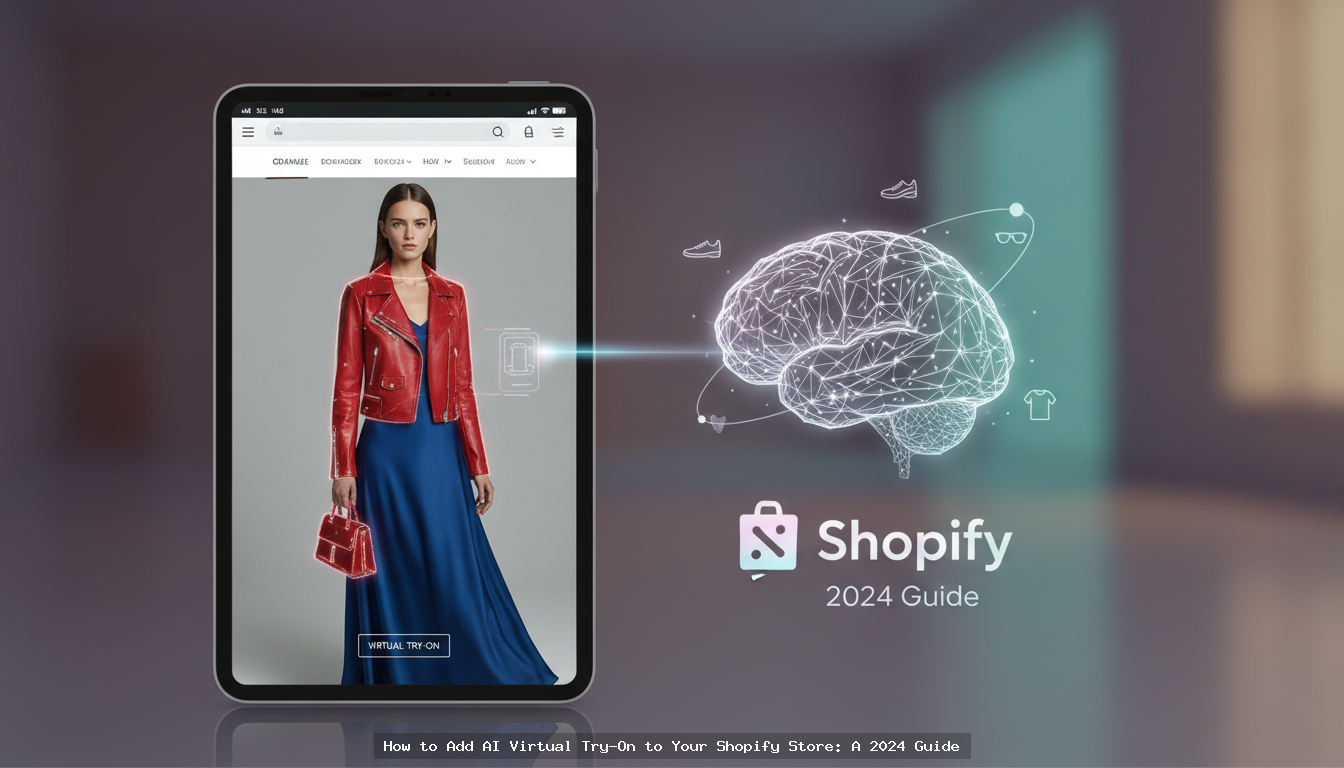
Instantly Add Virtual Try-On to Your Online Store
Adding an AI-powered virtual try-on feature to your e-commerce website is simpler than you think. You can integrate a sophisticated tool like VDressUp in minutes, without needing a complex app installation or developer intervention. Simply register for an account to get your unique API key, then copy and paste a single line of JavaScript code into your store’s theme. The widget automatically appears on relevant product pages, allowing shoppers to upload a photo and virtually try on your products immediately.
Why Your E-commerce Store Needs Virtual Try-On
In the hyper-competitive world of online retail, customer confidence is the ultimate currency. The biggest hurdle for fashion, jewelry, and even furniture e-commerce is the “imagination gap”—the customer's inability to know how an item will actually look and fit them. This uncertainty is a primary driver of cart abandonment and, more costly, product returns. High return rates don't just eat into your profits; they create logistical headaches and contribute to environmental waste.
AI-powered Virtual Try-On (VTO) technology provides a direct and elegant solution. By integrating a VTO widget, you empower shoppers to visualize items on their own bodies, using their own photos, from the comfort of their homes. This transformative experience delivers several key benefits:
- Reduced Return Rates: When customers see how a garment fits their body shape, they make more informed purchasing decisions, leading to a significant decrease in returns due to poor fit.
- Increased Conversion Rates: The interactive and personalized nature of VTO keeps shoppers engaged on your product pages longer. This confidence boost translates directly into higher add-to-cart and purchase rates.
- Enhanced Customer Experience: Offering a cutting-edge tool like virtual try-on sets your brand apart. It shows you are invested in the customer's journey and are leveraging technology to solve their problems.
- Valuable Data Insights: VTO usage can provide anonymous data on which styles are most popular and how they fit different body types, offering valuable insights for product development and marketing.
What is the VDressUp Widget?
VDressUp is a business-to-business (B2B) service that provides an AI virtual try-on widget for e-commerce merchants and developers. It is not a consumer-facing app or a dress-up game. Our mission is to provide store owners with a powerful, lightweight tool that seamlessly integrates into their existing website to drive sales and reduce operational costs.
The widget is a small piece of JavaScript that you add to your site. It’s designed for performance, ensuring it doesn’t slow down your page load times. Once installed, it intelligently detects product pages for categories like clothing, jewelry, and furniture, then adds a “Virtual Try-On” button. When a shopper clicks it, they are prompted to upload their photo, and our AI generates a realistic depiction of them wearing your product. You can explore all its capabilities on our features page.
How to Integrate VDressUp in 3 Simple Steps
Forget complicated app store installations or lengthy approval processes. VDressUp is designed for rapid deployment on both Shopify and custom-built stores. Here’s the entire process from start to finish.
Step 1: Register and Create Your Account
First, you need to create a VDressUp account. This gives you access to your personal dashboard where you will manage your settings and find your API key.
- Go to the registration page at https://vdressup.com/register.
- Fill out the simple sign-up form to create your free account.
- Once registered, log in to your new dashboard.
Step 2: Generate Your API Key
Your API key is a unique identifier that links your website to your VDressUp account. It’s how our system authenticates your store and tracks usage.
- Inside your VDressUp dashboard, navigate to the API Keys section.
- Click the “Create New API Key” button.
- Give your key a descriptive name (e.g., “My Shopify Store”) and generate it.
- Copy the newly generated key. You will need it for the next step.
Step 3: Add the Script Tag to Your Store's Theme
This is the final and most important step. You will add a single line of code to your website’s theme template. This allows the widget to load on every page of your site and automatically activate on product pages. Important: VDressUp does not have a Shopify App Store listing. You must use this script tag method.
The script tag looks like this:
<script src="https://vdressup.com/js/shopify-ai-widget.js" data-api-key="YOUR_API_KEY"></script>
You’ll need to replace "YOUR_API_KEY" with the actual key you copied from your dashboard.
For Shopify Stores:
- From your Shopify Admin, go to Online Store > Themes.
- Find your current theme, click the “...” button, and select “Edit code.”
- In the file browser on the left, open the
theme.liquidfile under the “Layout” directory. - Scroll to the bottom of the file and paste the script tag just before the closing
</body>tag. - Click “Save.”
For Custom or Other E-commerce Stores (WooCommerce, BigCommerce, etc.):
The principle is the same. You need to find the main template file that includes the closing </body> tag for all your pages. This is often named footer.php, base.html, or a similar equivalent. Paste the VDressUp script tag just before the closing </body> tag and save the file. For detailed, platform-specific instructions, please refer to our documentation.
That’s it! The VDressUp widget is now live on your store. Navigate to one of your product pages to see it in action.
Effortless Operation: No Manual Product Selection Needed
One of the most powerful aspects of VDressUp is its intelligence. You do not need to go through your catalog and manually enable the widget for specific SKUs or products. Once the script is installed, our system automatically analyzes the page content to identify it as a valid product page. This means you can add new products to your store, and the virtual try-on button will appear automatically without any extra work from you.
Simple, Transparent Pricing
We believe in a pricing model that is as straightforward as our integration process. VDressUp does not use confusing monthly subscriptions or tiered feature plans. Instead, we offer a simple, pay-as-you-go system based on credits.
- Purchase Credits: You buy credit packages starting from just $25. The larger the package, the lower the cost per credit.
- Pay Per Use: One credit is consumed for each successful virtual try-on generated by a shopper.
- Credits Never Expire: Your credits are yours until you use them. There are no monthly fees or penalties for low usage, making it a risk-free investment for businesses of all sizes.
This model ensures you only pay for the value your customers receive. You can view the current packages on our pricing page.
Get Started Today
Integrating AI virtual try-on is no longer a complex, enterprise-level project. With VDressUp, any merchant can add this conversion-boosting technology to their store in minutes. By providing a more engaging and confident shopping experience, you not only reduce returns but also build a loyal customer base that sees your brand as a leader in the future of retail. Sign up today and see the difference for yourself.
Frequently asked questions
Why use a script tag instead of a Shopify App?
A script tag offers a lightweight, universal solution that works on any Shopify theme or custom platform without app-specific limitations. It ensures faster load times and gives you more control over the integration, avoiding potential conflicts with other apps.
Will this widget slow down my Shopify store?
No, our JavaScript widget is designed to be lightweight and asynchronous. It loads after your main page content, ensuring it does not impact your store's critical loading speed or affect your Core Web Vitals scores.